
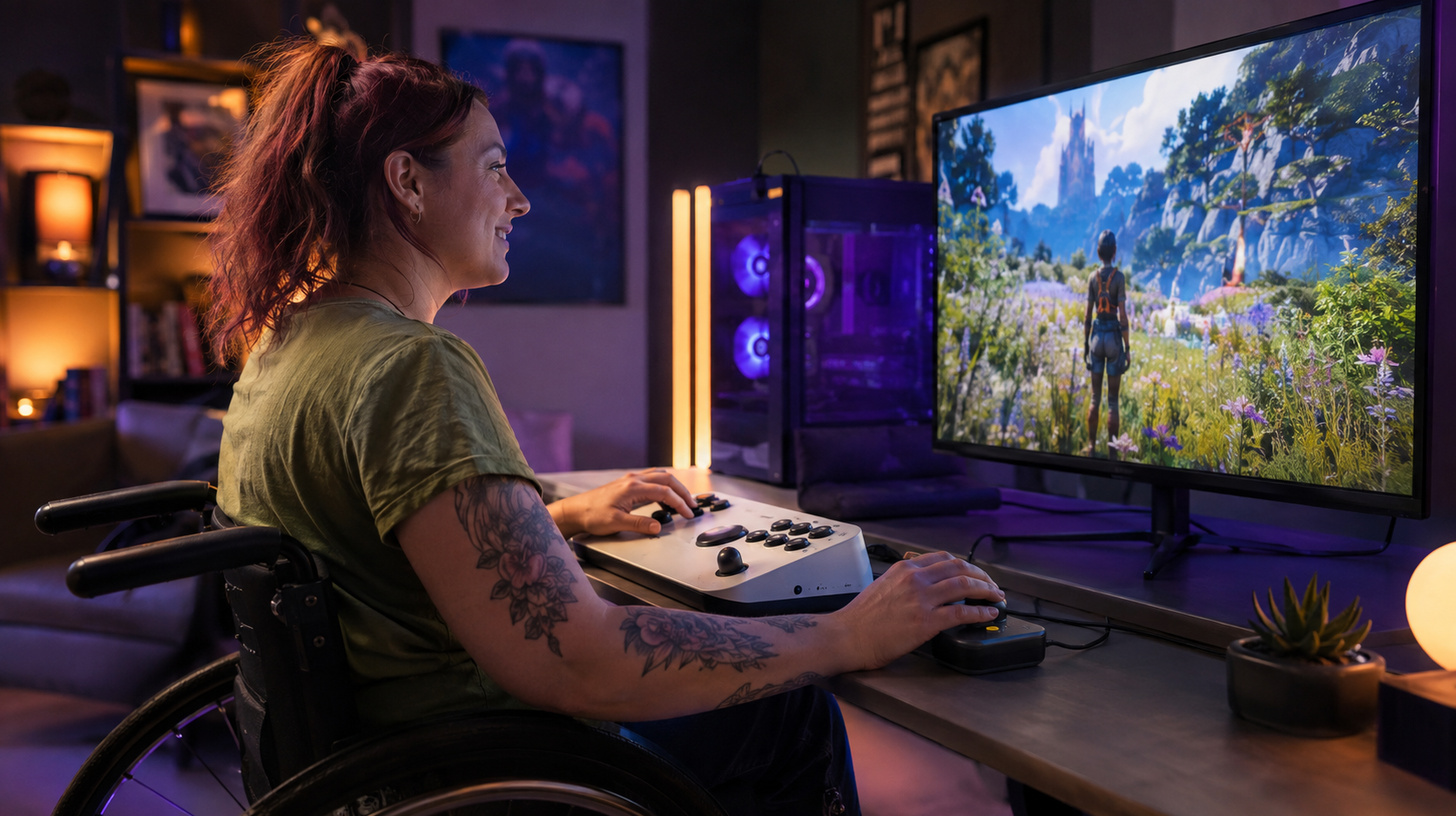
Modern video games are increasingly being designed with a diverse range of players in mind. Accessibility is no longer an add-on feature — it’s gradually becoming one of the core principles of game development. This shift allows people with a variety of physical, sensory, and cognitive differences to engage with games more comfortably, while also helping the industry reach a broader audience.
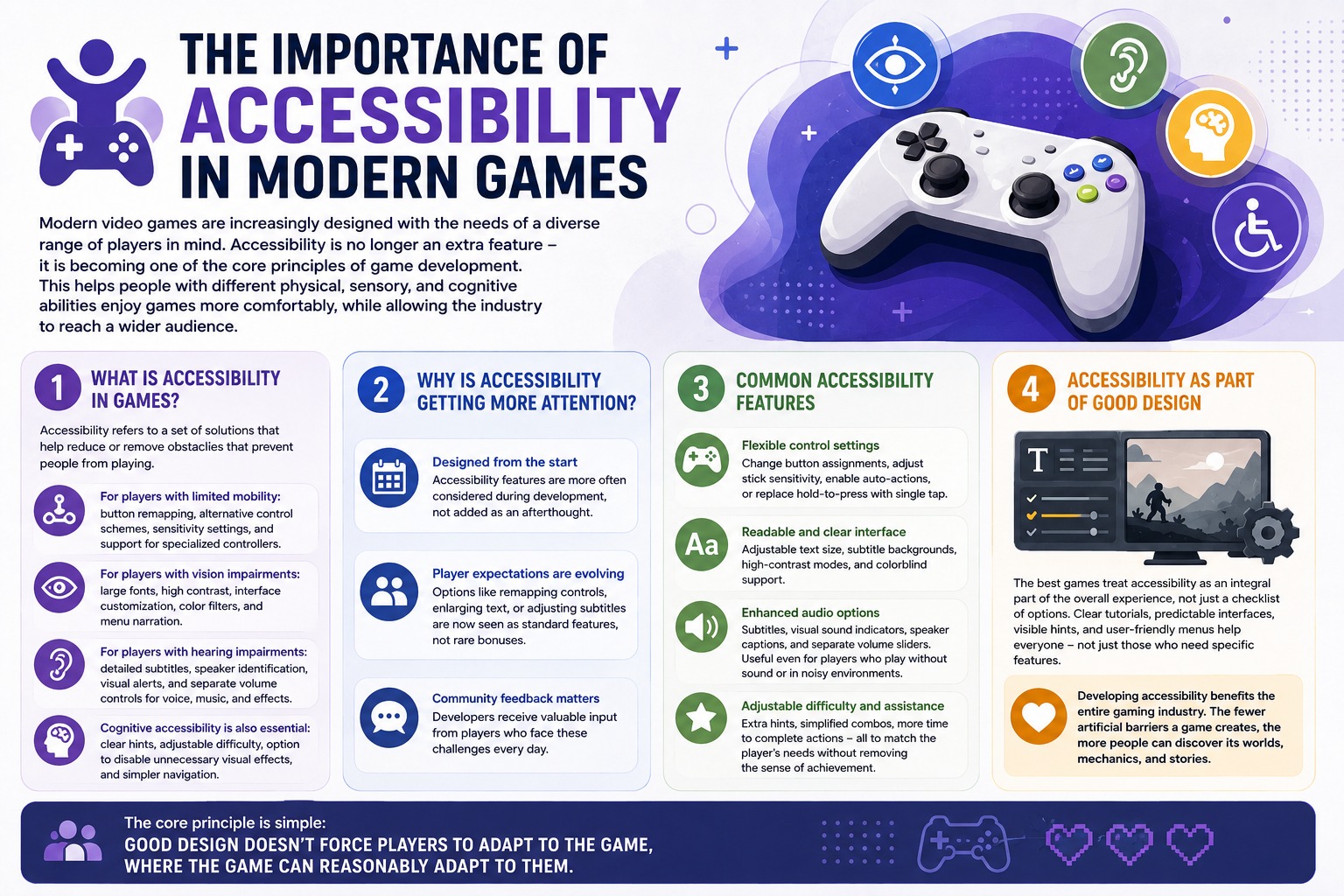
What accessibility in games actually means
Accessibility refers to a set of design choices that help reduce or remove barriers that prevent someone from playing.
For players with limited mobility, developers offer button remapping, alternative control schemes, sensitivity adjustments, and support for specialized controllers.
Players with visual impairments benefit from larger fonts, high contrast modes, customizable UI, color filters, and screen reader support for menus. For those with hearing loss, detailed subtitles, speaker identification, visual sound cues, and separate volume controls for dialogue, music, and effects make a real difference.
Cognitive accessibility matters just as much. Clear prompts, flexible difficulty settings, the ability to reduce visual clutter, and streamlined navigation make gameplay more approachable for people with varying levels of experience and different ways of processing information.
Why accessibility is getting more attention
In the past, these kinds of features were often patched in after a game launched. Today, they’re increasingly being built in from the ground up. This helps avoid situations where certain UI elements, control schemes, or gameplay mechanics end up being unnecessarily difficult for parts of the audience.
Player expectations are shifting too. The ability to remap controls, increase text size, or customize subtitles is no longer seen as a rare bonus — it’s becoming a standard part of what a modern game should offer. Community feedback plays a big role here as well, with developers receiving specific, practical input from people who navigate these challenges every day.
The most common accessibility settings
One of the most widely implemented features is flexible control customization. Players can remap keys and buttons, adjust stick sensitivity, automate certain actions, or swap hold inputs for single presses.
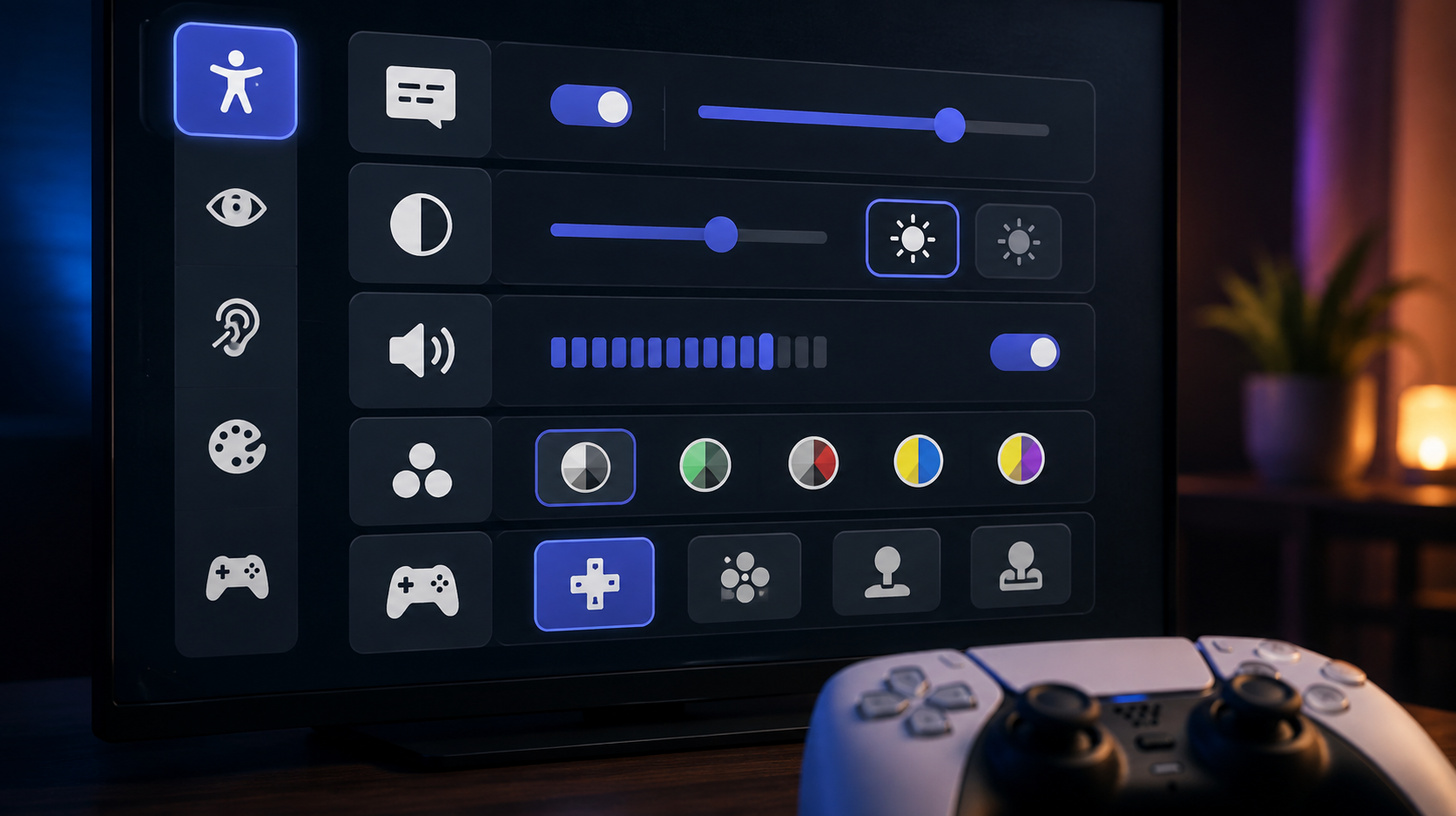
UI readability is another major focus. Games now commonly include adjustable text size, subtitle backgrounds, high contrast modes, and dedicated settings for different types of color blindness.
Audio options have expanded significantly as well. Beyond subtitles, developers are incorporating visual indicators for important sounds, speaker labels, and individual volume sliders. These features are useful not just for players with hearing loss, but also for anyone gaming without sound or in a noisy environment.
Adjustable difficulty, additional hints, simplified button combinations, and extended action timers also make games more accessible. These options don’t diminish a player’s accomplishments — they simply allow people to find the right level of challenge for them.
Accessibility as a core part of good design
The best modern games treat accessibility not as a checklist of settings, but as part of what makes a game well-crafted overall. Clear tutorials, predictable interfaces, easy-to-spot prompts, and intuitive menus benefit every player — not just those who need specialized features.
That’s why investing in accessibility is good for the entire gaming industry. The fewer unnecessary barriers a game puts up, the more people can experience its world, mechanics, and story. And the guiding principle is straightforward: good design doesn’t force players to adapt to the game in places where the game can reasonably be adapted to them.